

- Boogu-Image-0.1-Turbo – A four-step distilled text-to-image variant focused on high-quality generation and photorealism, equipped with a LoRA rank-128 module. Requires only 3-4 sampling steps. Recommended as the default for most text-to-image use cases.
- Boogu-Image-0.1-Base – The foundation model with strong diversity and controllability, ideal for fine-tuning and ultra-dense text rendering at 2K resolution.
- Boogu-Image-0.1-Edit – A variant fine-tuned for image editing and transformation tasks with instruction-driven control.
- 10B parameters with efficient inference on consumer GPUs
- Apache-2.0 license for open use and downstream development
- Bilingual text rendering (Chinese and English) with reliable typography
- Versatile capabilities: realistic photography, stylization, poster design, and precise text rendering
Boogu-Image-0.1-Turbo text-to-image workflow
Boogu Turbo: Text to Image
Generate high-quality images from text prompts using the Boogu Turbo model, a distilled 10B-parameter text-to-image pipeline that produces photorealistic outputs in just 4 steps.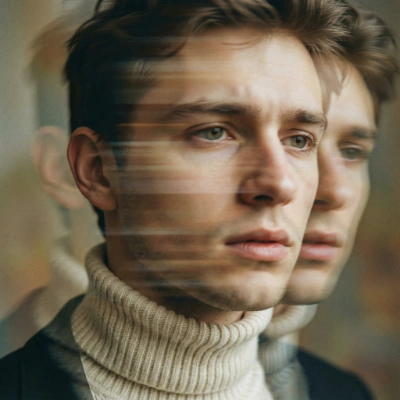
Run on Comfy Cloud
Open in Comfy Cloud
Download Workflow
Download JSON or search “Boogu Turbo” in Template Library
Boogu-Image-0.1-Turbo model downloads
boogu_image_turbo_fp8_scaled.safetensors
Diffusion model for Boogu-Image-0.1-Turbo.
qwen3vl_8b_fp8_scaled.safetensors
Text encoder for Boogu-Image-0.1-Turbo.
ae.safetensors
VAE for Boogu-Image-0.1-Turbo.
boogu_image_turbo_lora_rank_128_bf16.safetensors
LoRA module (rank-128) for Boogu-Image-0.1-Turbo.
Boogu-Image-0.1-Edit image editing workflow
Boogu image 0.1 Edit
Edit images using Boogu’s instruction-driven model, taking one input image and generating an edited output alongside a side-by-side comparison view.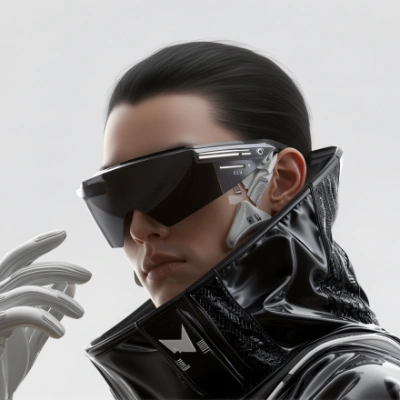
Run on Comfy Cloud
Open in Comfy Cloud
Download Workflow
Download JSON or search “Boogu image 0.1 Edit” in Template Library
LoadImage node:
tech_cowboy.png
LoadImage node 32 · tech_cowboy.png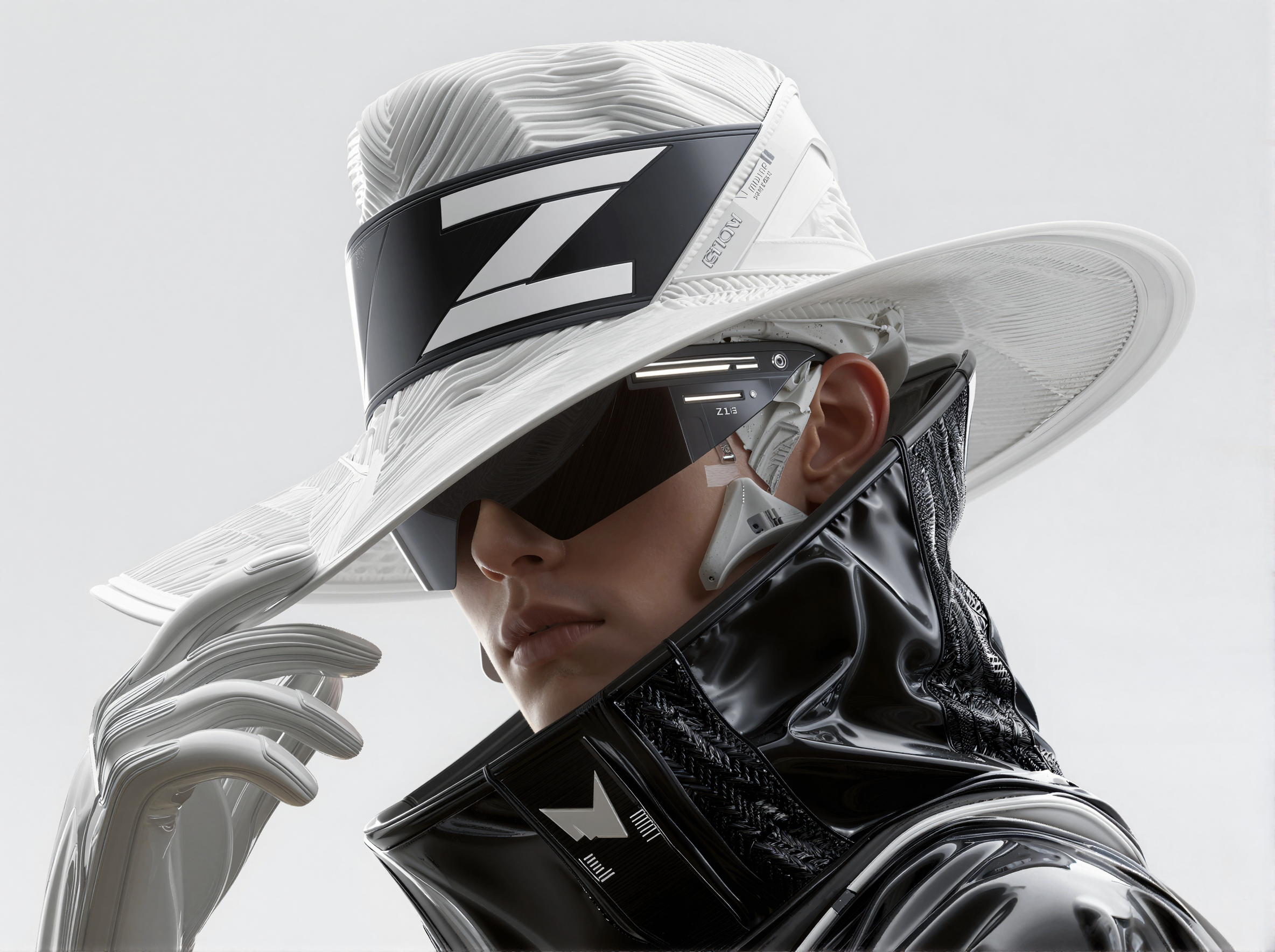
Boogu-Image-0.1-Edit model downloads
boogu_image_edit_fp8_scaled.safetensors
Diffusion model for Boogu-Image-0.1-Edit.
qwen3vl_8b_fp8_scaled.safetensors
Text encoder for Boogu-Image-0.1-Edit.
ae.safetensors
VAE for Boogu-Image-0.1-Edit.